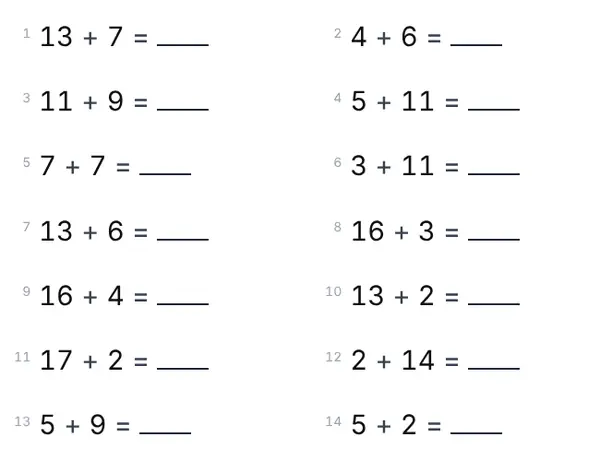
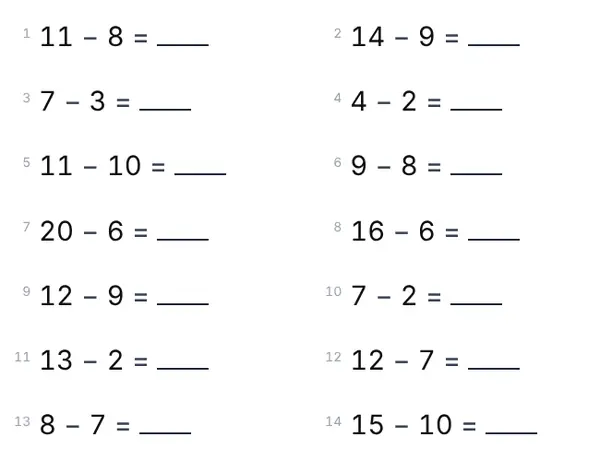
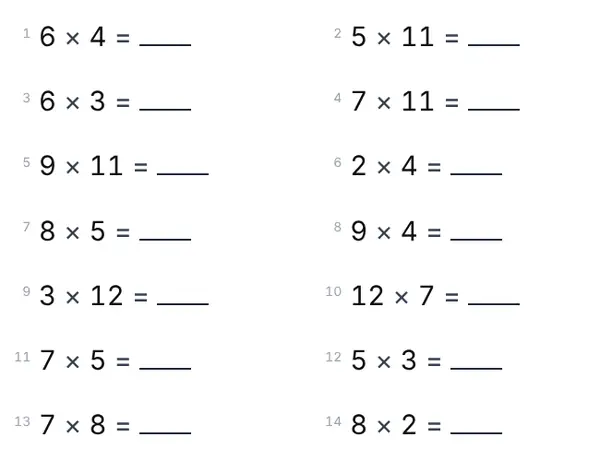
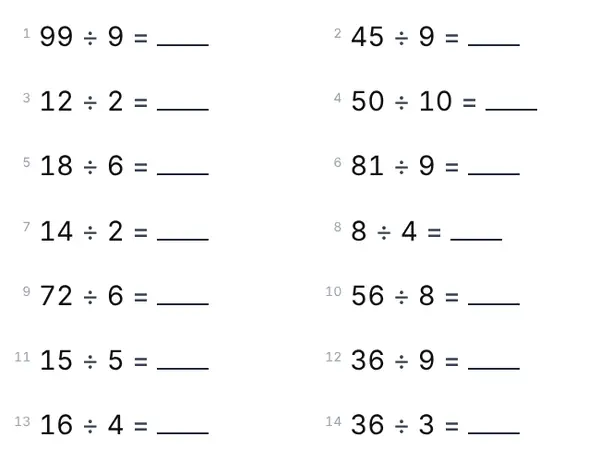
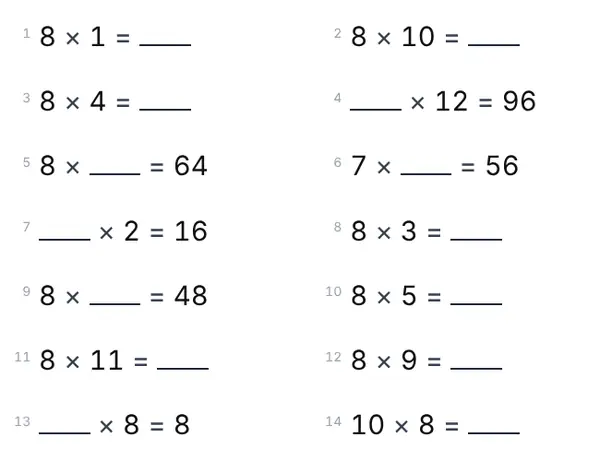
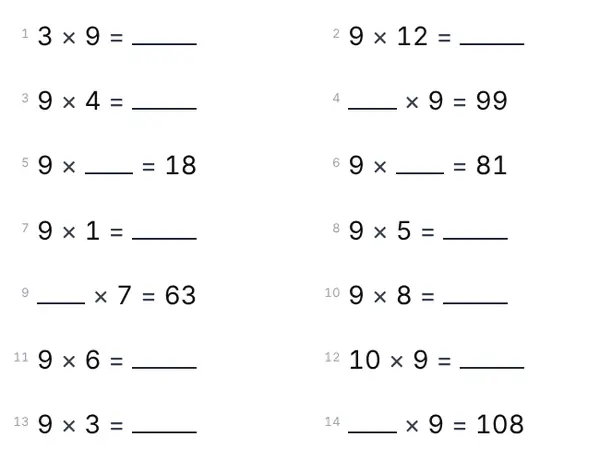
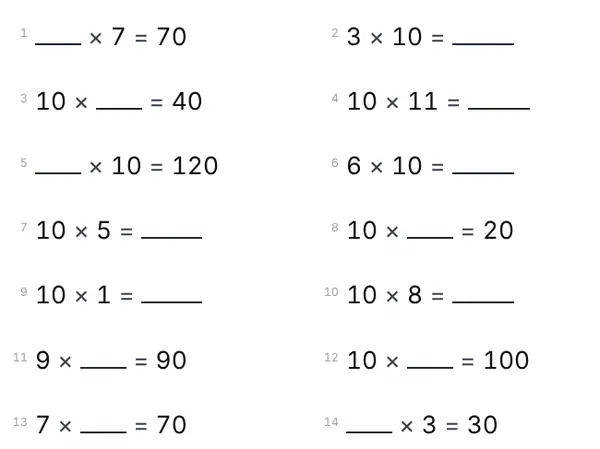
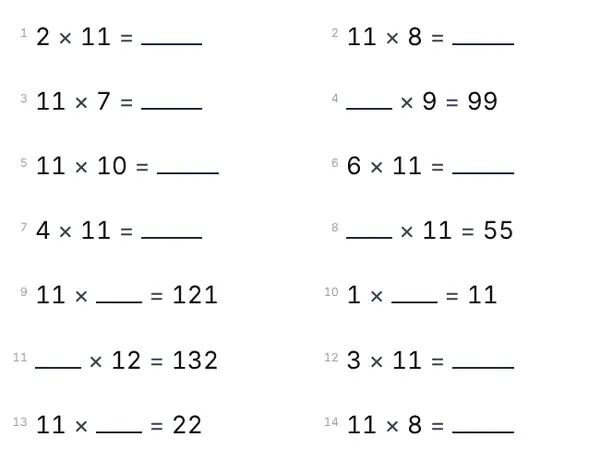

How it works
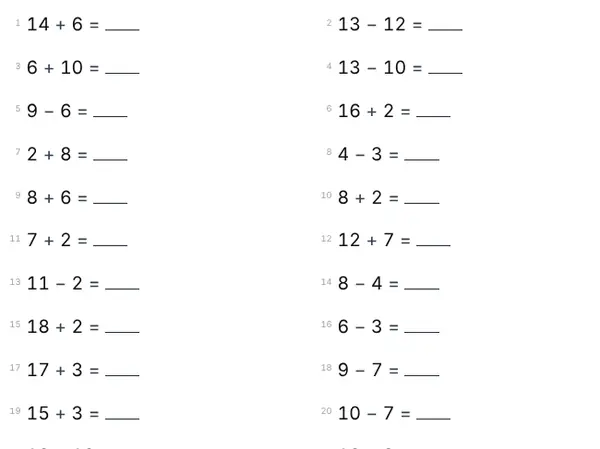
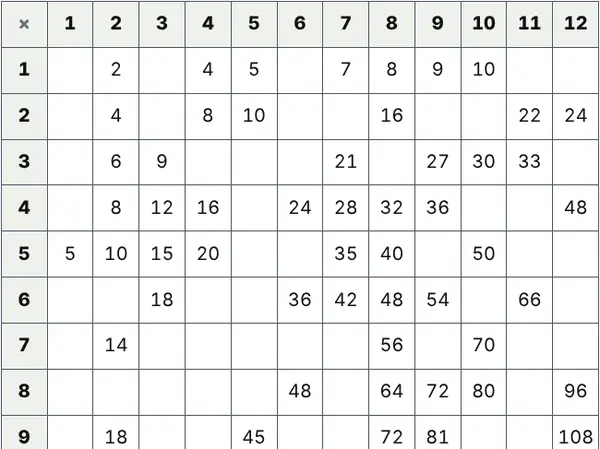
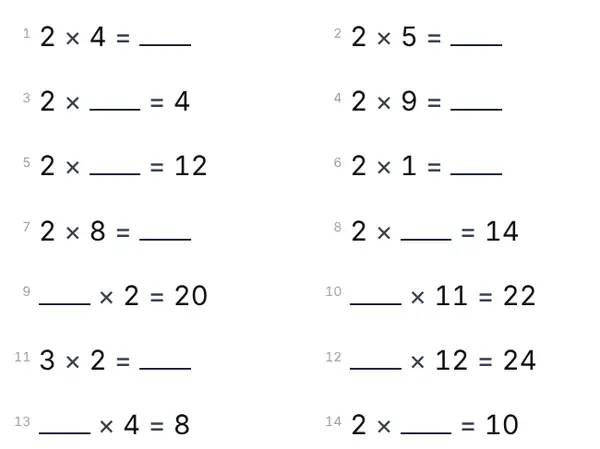
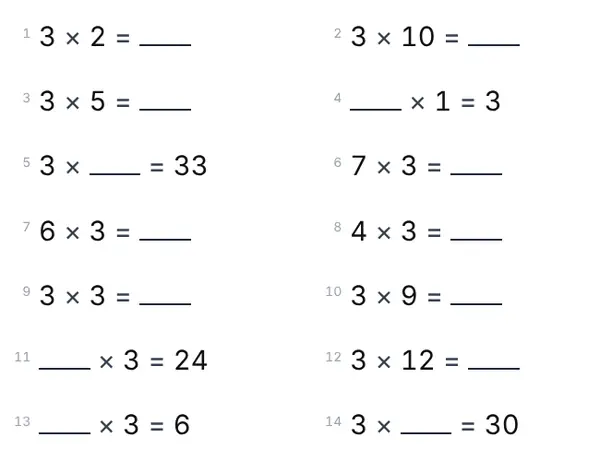
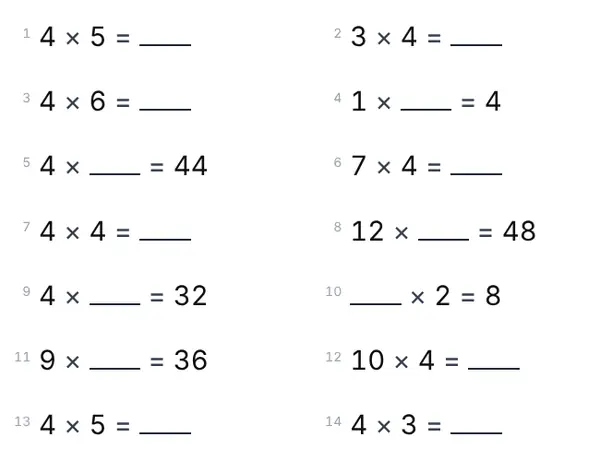
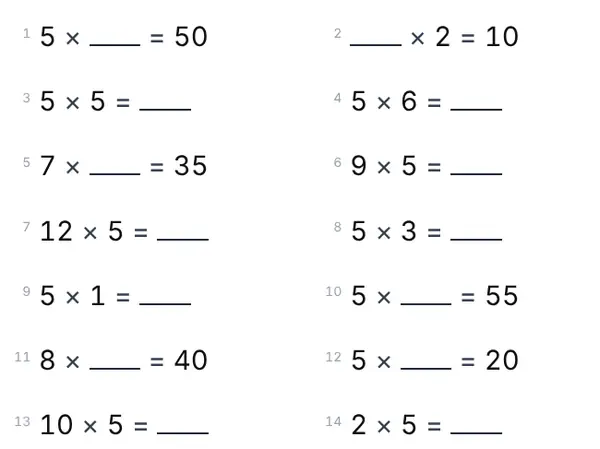
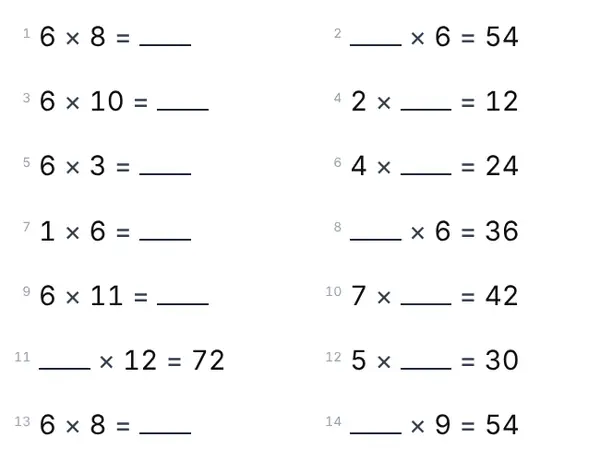
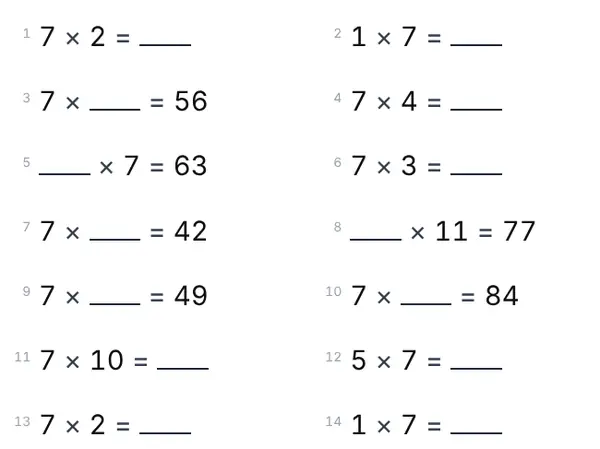
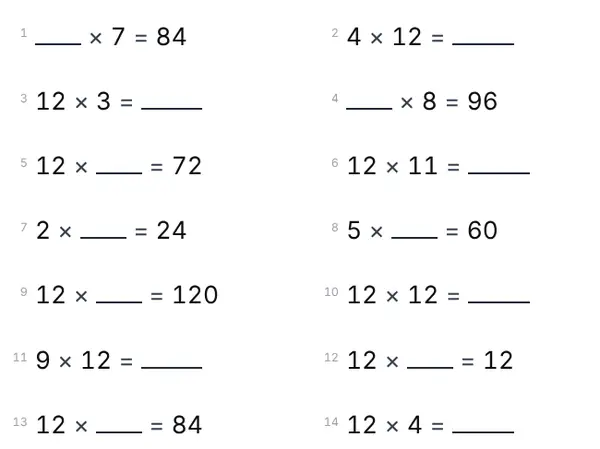
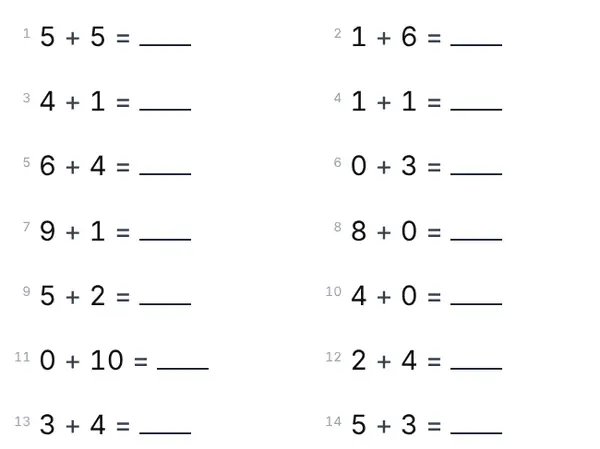
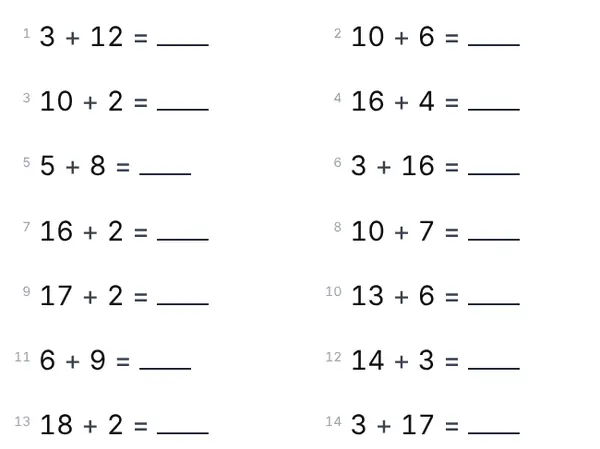
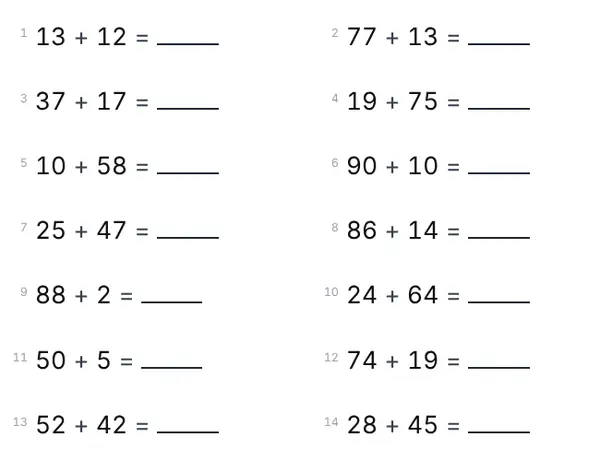
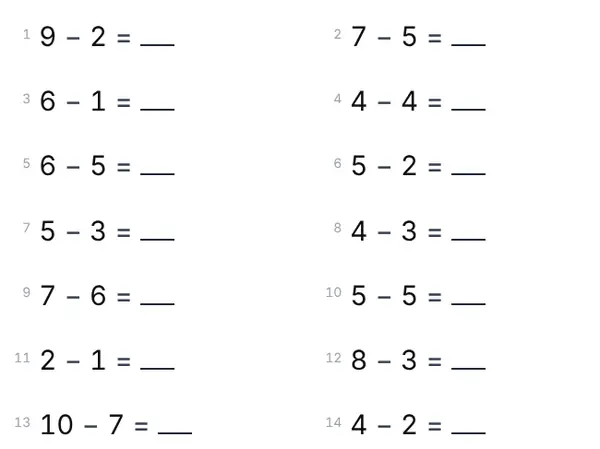
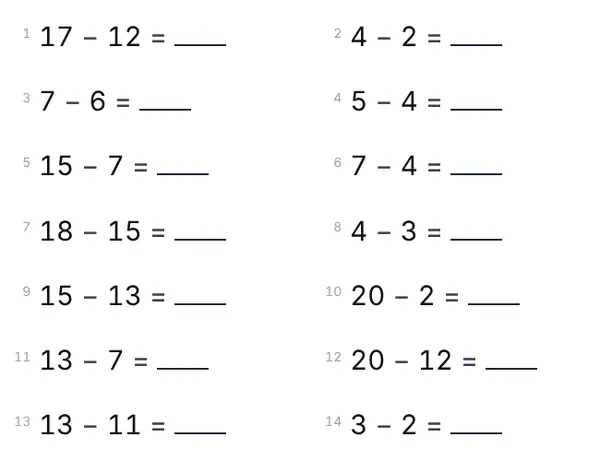
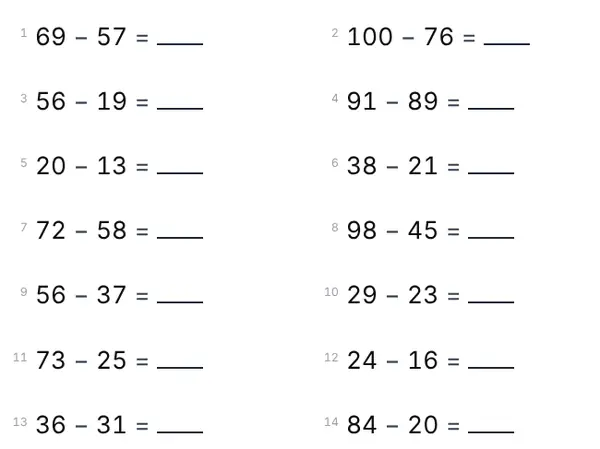
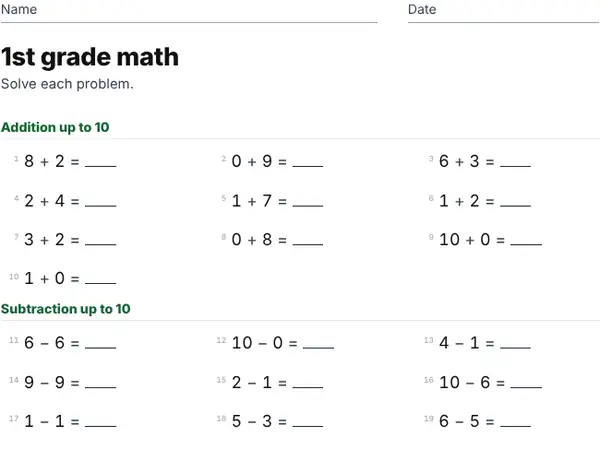
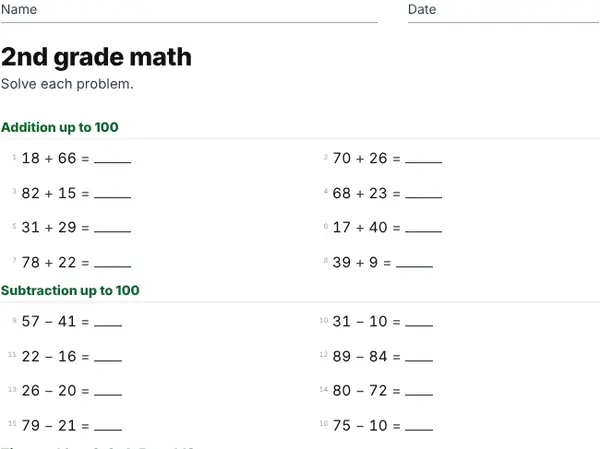
- Pick a worksheet above, or make a mixed one: choose the operations and the number range. The sheet changes as you click.
- Press New sheet until you like the problems, then Print. The answer key prints on a second page.
- Keep the sheet code: typing it in later brings back the same sheet and its answers.
A new worksheet every time
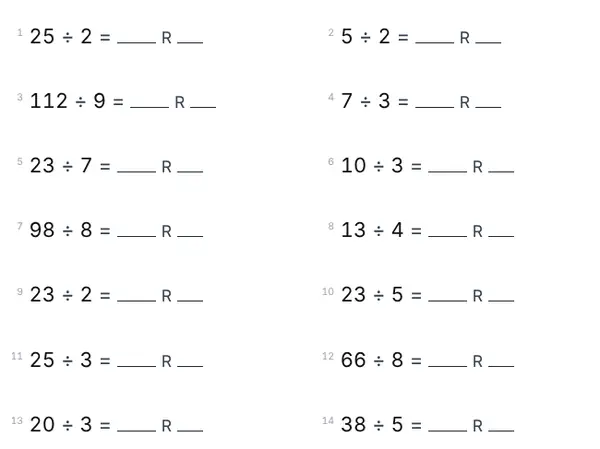
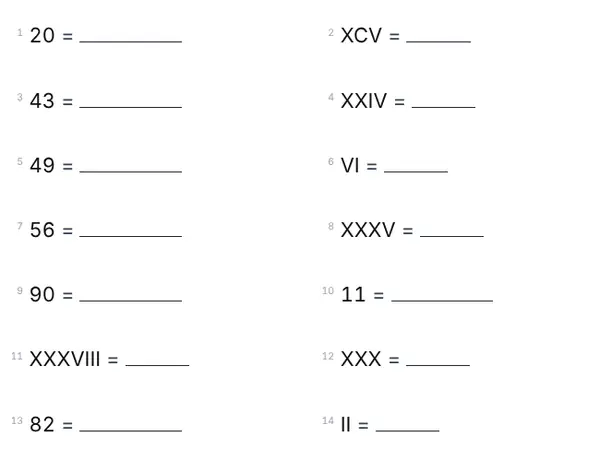
Problems are made fresh every time you press New sheet, so a child can practice the same skill for weeks without seeing the same page twice. Each sheet still has a code printed at the bottom, so you can always get its answer key back.
Laid out the way school teaches it
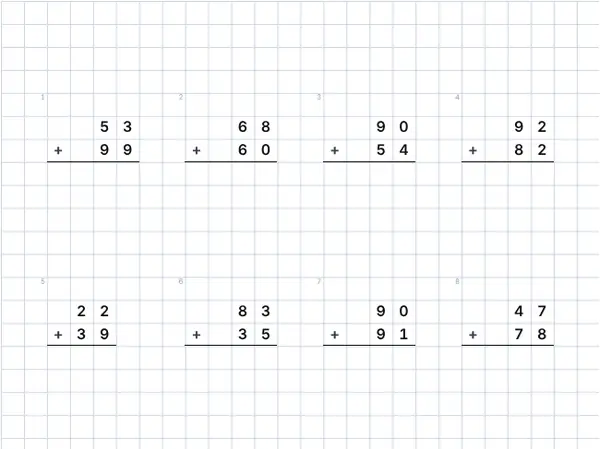
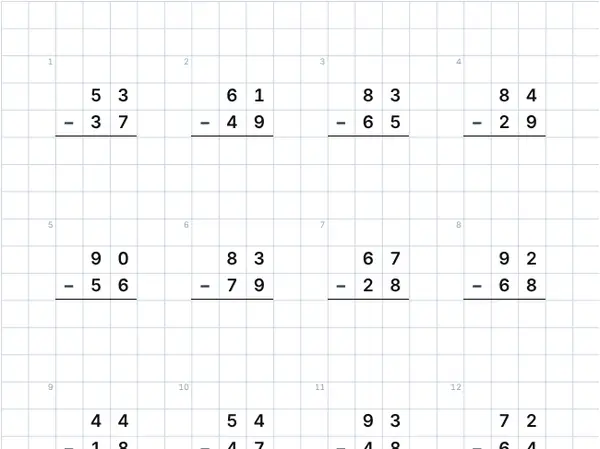
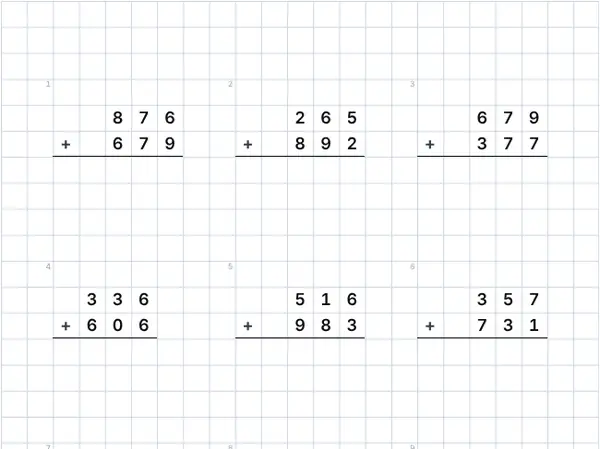
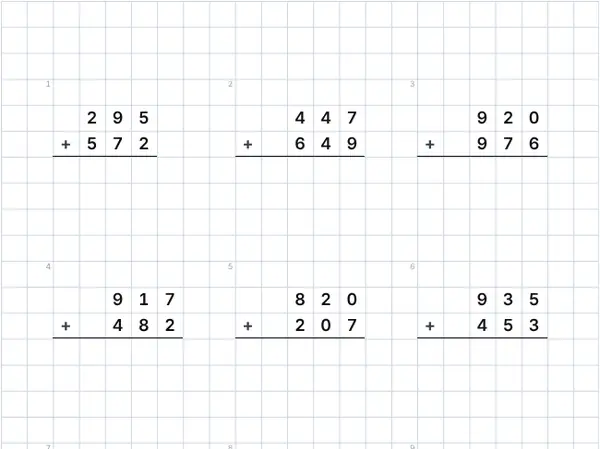
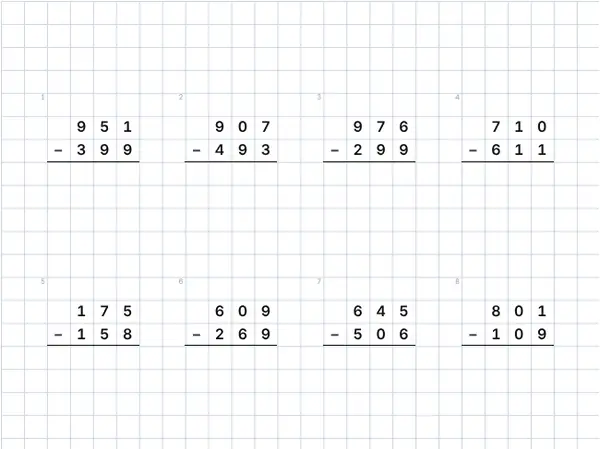
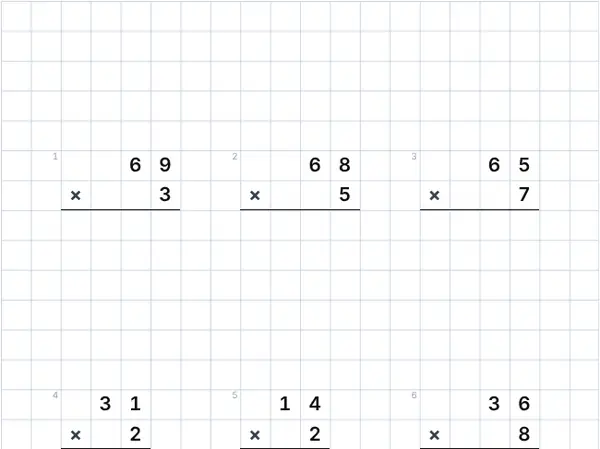
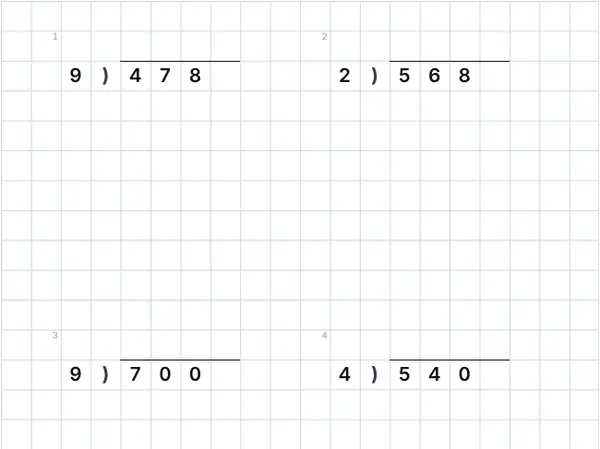
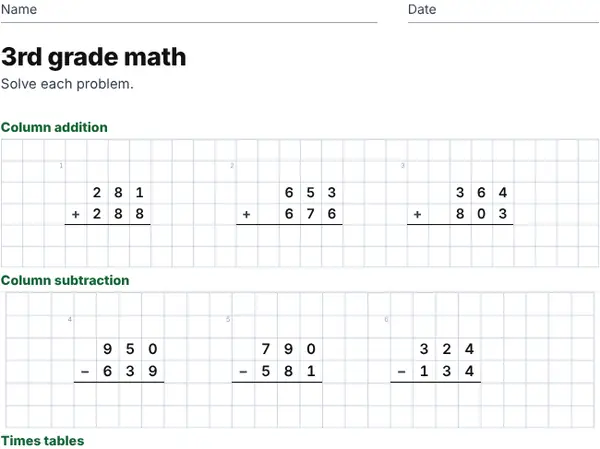
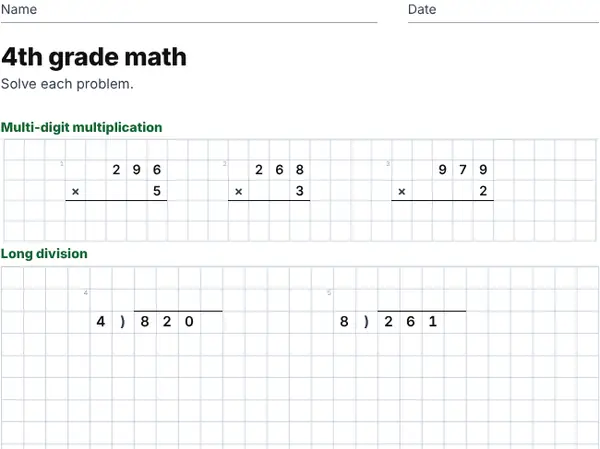
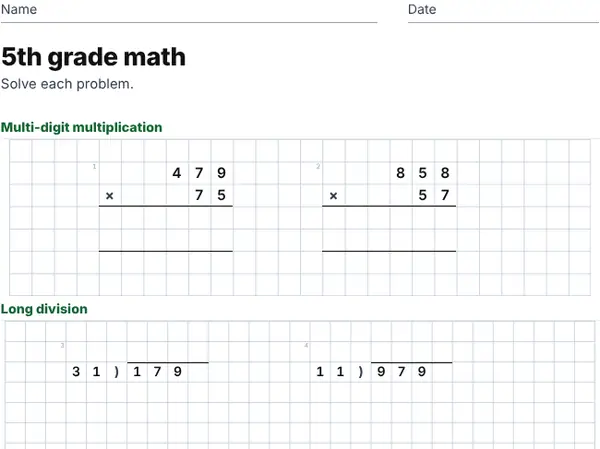
Long division, column addition and multi-digit multiplication are drawn on squared paper in the layout children learn at school. In the Italian, Spanish, French, German and Portuguese versions of the site, the layouts, the signs and the number words follow each country’s own conventions.
For teachers and parents
Teachers can print a set for the whole class from one code, and use the answer key to mark quickly. Parents can choose exactly what their child is working on, from sums to 10 to long division. Everything is free and works on any computer, tablet or phone.
Questions and answers
Are the worksheets really free?
Yes. Every worksheet and answer key is free to print and photocopy for your class or your family. The site is paid for by advertising.
Do I need an account?
No. There is no sign-up and nothing to install. Your last settings are remembered in your browser.
How do I get the answer key?
Leave “Print the answer key too” switched on and it prints on a second page. You can also press Show answers to see it on screen.
Can my child do the worksheet on a tablet?
Yes. Press Solve on screen, type the answers in the boxes and press Check answers. Wrong answers turn red so they can try again.
What is the sheet code?
A short code printed at the bottom of each sheet. Type it in the code box on the same page to bring back exactly that sheet, with its answers.
More worksheets
Worksheets are made in your browser. Nothing you type is sent to our servers.
↑ Back to top